










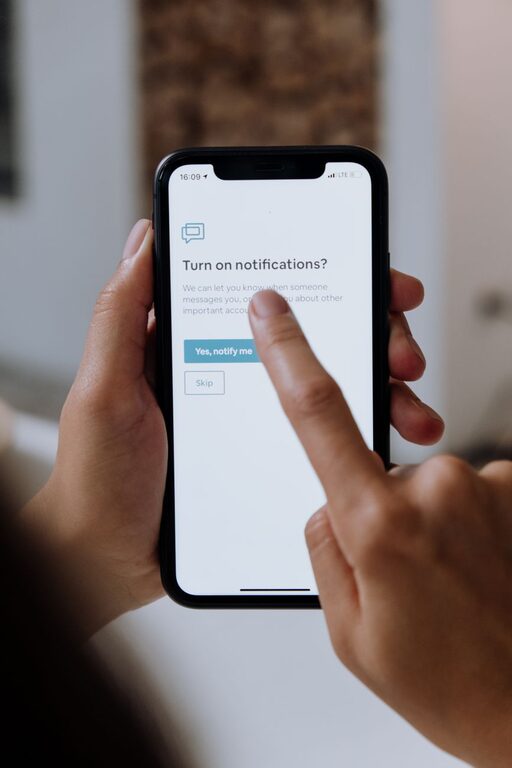
In today’s connected world, notifications from apps, emails, and messages constantly compete for our attention. While these alerts can be useful, they often disrupt our focus and increase stress. Setting clear boundaries with notifications is a key step toward regaining control over your time and improving productivity.
In this post, we’ll explore practical tips to help you manage notifications thoughtfully without missing out on important updates.
Why Managing Notifications Matters
Notifications are designed to prompt immediate attention. Unfortunately, frequent alerts can fragment your concentration, making it difficult to complete tasks efficiently. By setting boundaries, you can:
– Reduce distractions
– Improve focus and workflow
– Lower stress caused by constant interruptions
– Enhance work-life balance
Let’s take a look at strategies to set those healthy boundaries.
1. Audit Your Notifications Regularly
Start by reviewing which apps and services send you notifications. Many times, notifications from less important sources add up without you realizing it.
How to audit notifications:
– Go through your device’s notification settings
– Identify apps that send frequent or unnecessary alerts
– Disable notifications for apps that are not essential or urgent
This simple step can drastically cut down the number of interruptions you experience daily.
2. Prioritize Notifications
Not all notifications are equal. Some deserve immediate attention, while others can wait.
Tips for prioritization:
– Keep notifications enabled for critical apps like messaging, calendar, or work tools
– Turn off or mute notifications for social media, games, or shopping apps during work hours
– Use settings like “Do Not Disturb” or “Focus Mode” to allow only priority alerts
Setting priority helps ensure you don’t miss important information while minimizing disruptions.
3. Use Scheduled Notification Windows
Instead of reacting to every notification as it comes in, consider scheduling times during the day to check your alerts.
How to implement notification windows:
– Designate specific blocks of time to review emails, messages, and social media
– Turn off notifications outside those windows or use “Do Not Disturb” mode
– Stick to your schedule to build consistent habits
This approach helps batch interruptions instead of letting them break your flow continuously.
4. Customize Notification Sounds and Visuals
Not all alerts need to sound or pop up visually. Customizing notifications can reduce their perceived urgency.
Customization tips:
– Choose silent or vibration-only alerts for less critical notifications
– Disable pop-up banners for apps that don’t require immediate attention
– Use distinct sounds for important contacts or apps to recognize urgency easily
Modifying how notifications present themselves can lower anxiety and improve focus.
5. Leverage App Features and Third-Party Tools
Many apps offer built-in options to control notifications more finely.
Examples:
– Email apps often include “Focused Inbox” or priority sender filters
– Messaging apps may allow muting specific groups or threads
– Productivity tools may have “quiet hours” or notification summarizing features
Additionally, consider third-party apps that help manage notifications by grouping or limiting alerts.
6. Communicate Your Boundaries
If you work in a team or rely on others to reach you, it can help to openly communicate your notification preferences.
Ways to do this:
– Let colleagues know your preferred communication channels and times
– Set expectations about response times, especially outside work hours
– Use status features in messaging apps to signal when you’re focusing or unavailable
Clear communication reduces pressure to respond instantly and helps others respect your boundaries.
7. Reflect and Adjust Periodically
Your notification needs may change over time, so it’s important to revisit your boundaries regularly.
Reflection tips:
– Assess how your current notification settings affect your focus and stress levels
– Experiment with turning notifications on or off for different apps
– Adjust your schedule and priorities to find the best fit
Continuous tuning ensures your notification strategy remains effective as your routines evolve.
Bonus: Practice Mindful Device Usage
Beyond managing notifications themselves, practicing mindful use of your devices amplifies the benefits.
– Turn off your phone or put it in another room during deep work sessions
– Avoid checking your device first thing after waking or before bed
– Take regular breaks away from screens to reset your attention
Mindfulness supports healthier habits around technology use and improves overall wellbeing.
—
Setting boundaries with notifications is a powerful way to reclaim your attention and reduce digital distractions. By auditing alerts, prioritizing important messages, scheduling notification checks, and communicating your preferences, you can create a balanced digital environment that supports your productivity and peace of mind.
Give these tips a try and notice how your work and daily life become more focused and less stressful!